FOUNDIT - App Design for Lost & Found
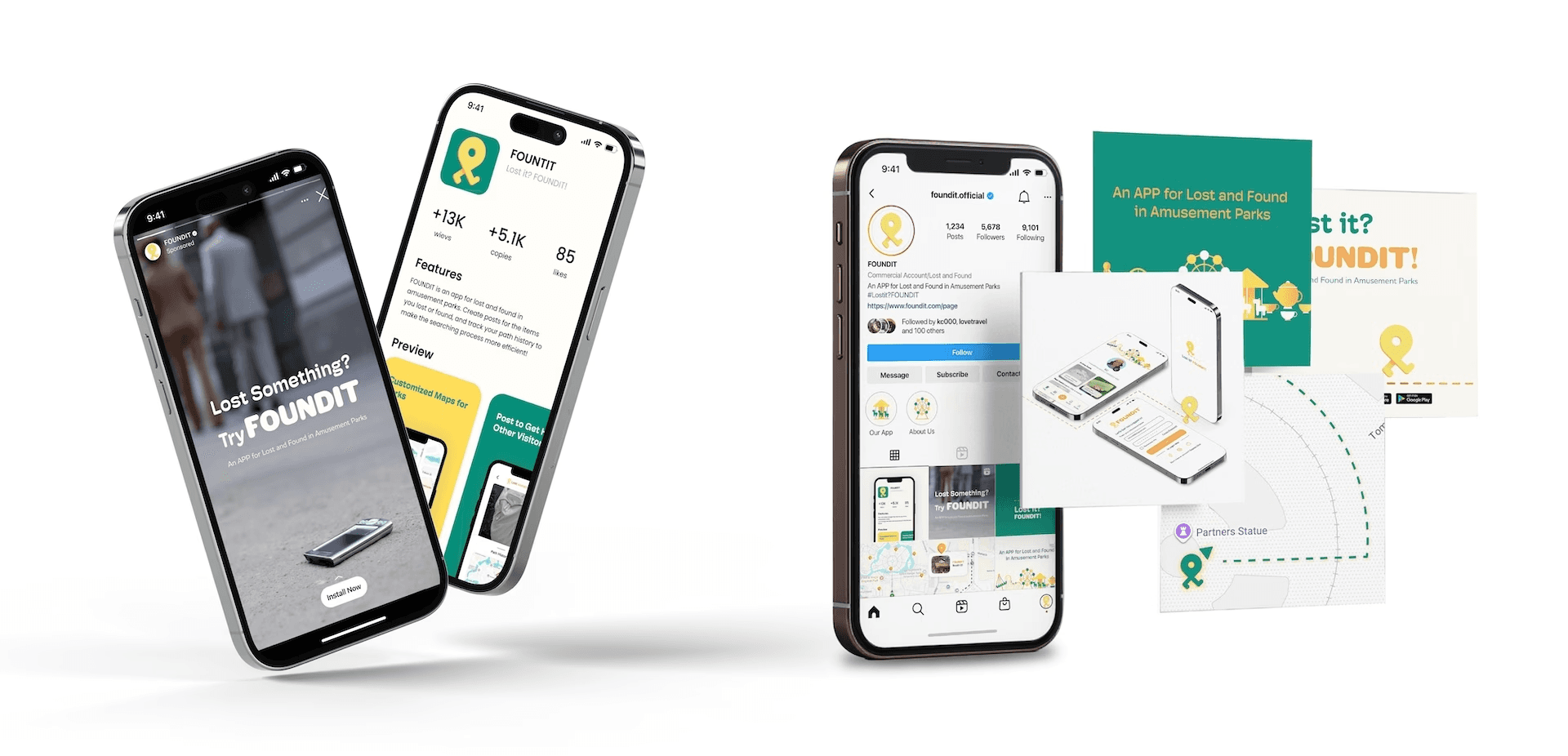
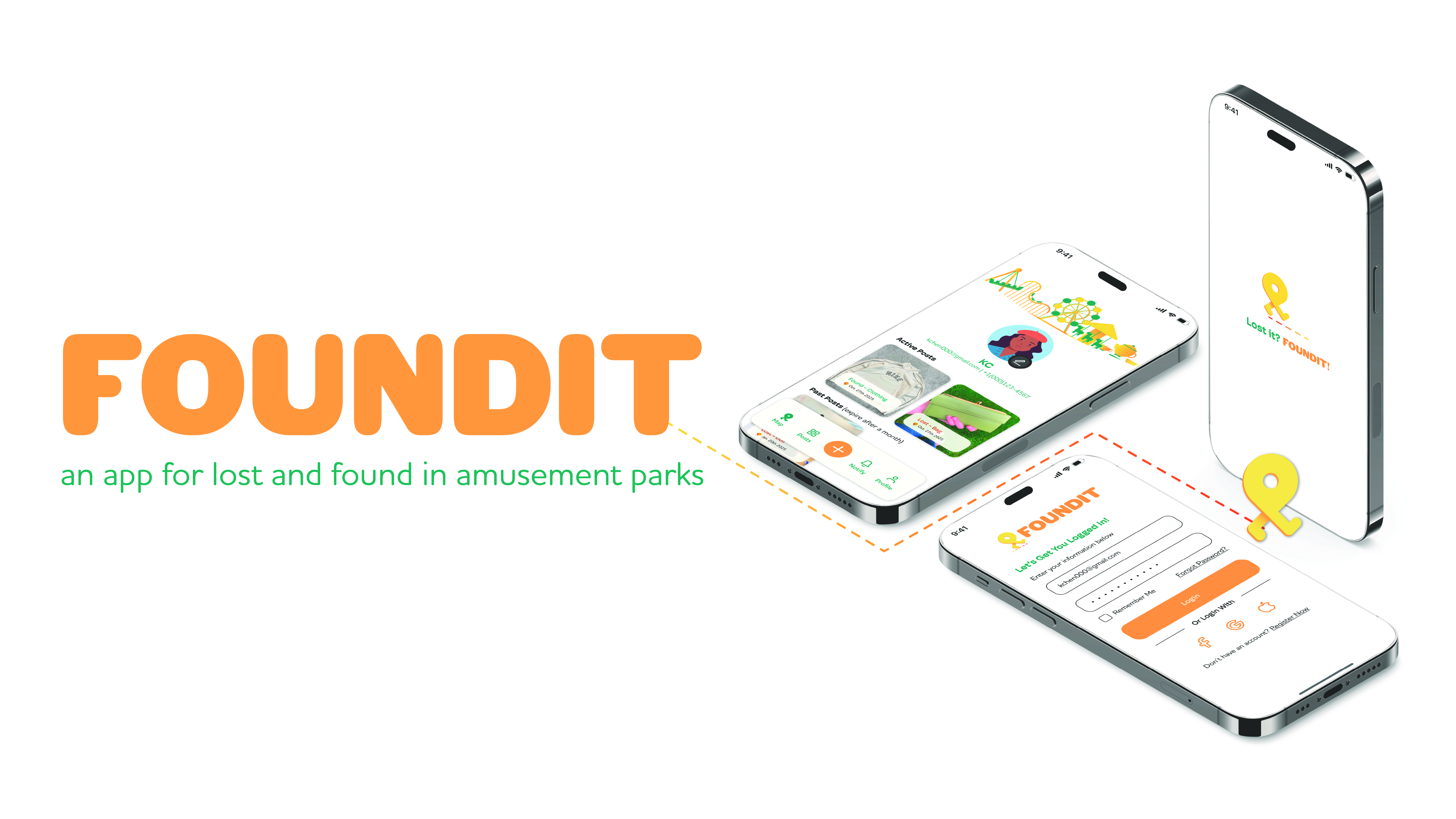
Losing personal items in an amusement park can be stressful and overwhelming. With the support of an online community, this experience can shift from isolated frustration to collective problem-solving.


2025
UI/UX Design
Branding
App Design
Graphic Design
Adobe Creative Suite
Research
User Testing
Figma
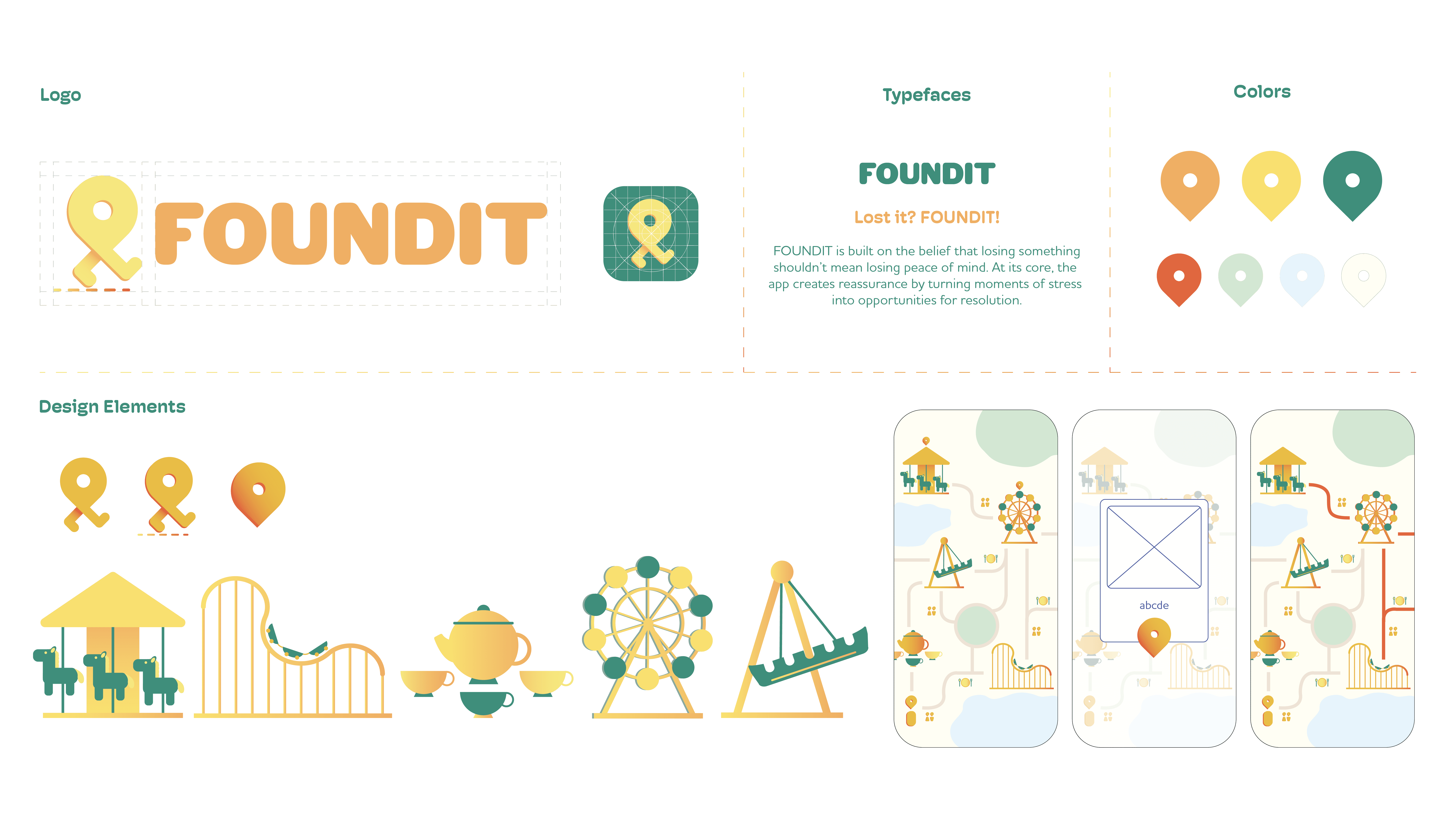
FOUNDIT is built on the belief that losing something shouldn’t mean losing peace of mind. The app creates reassurance by turning moments of stress into opportunities for resolution.
It values simplicity, making it effortless for anyone to report, search, and reconnect with their belongings. It also thrives on community support, empowering people to help one another and proving that collective effort can make a difference.
Losing personal items in an amusement park can be stressful and overwhelming. With the support of an online community, this experience can shift from isolated frustration to collective problem-solving.t neck pillow design that solves current "one-size fits all" problem.


2025
UI/UX Design
Branding
App Design
Graphic Design
Adobe Creative Suite
Research
User Testing
Figma
FOUNDIT is built on the belief that losing something shouldn’t mean losing peace of mind. The app creates reassurance by turning moments of stress into opportunities for resolution.
It values simplicity, making it effortless for anyone to report, search, and reconnect with their belongings. It also thrives on community support, empowering people to help one another and proving that collective effort can make a difference.
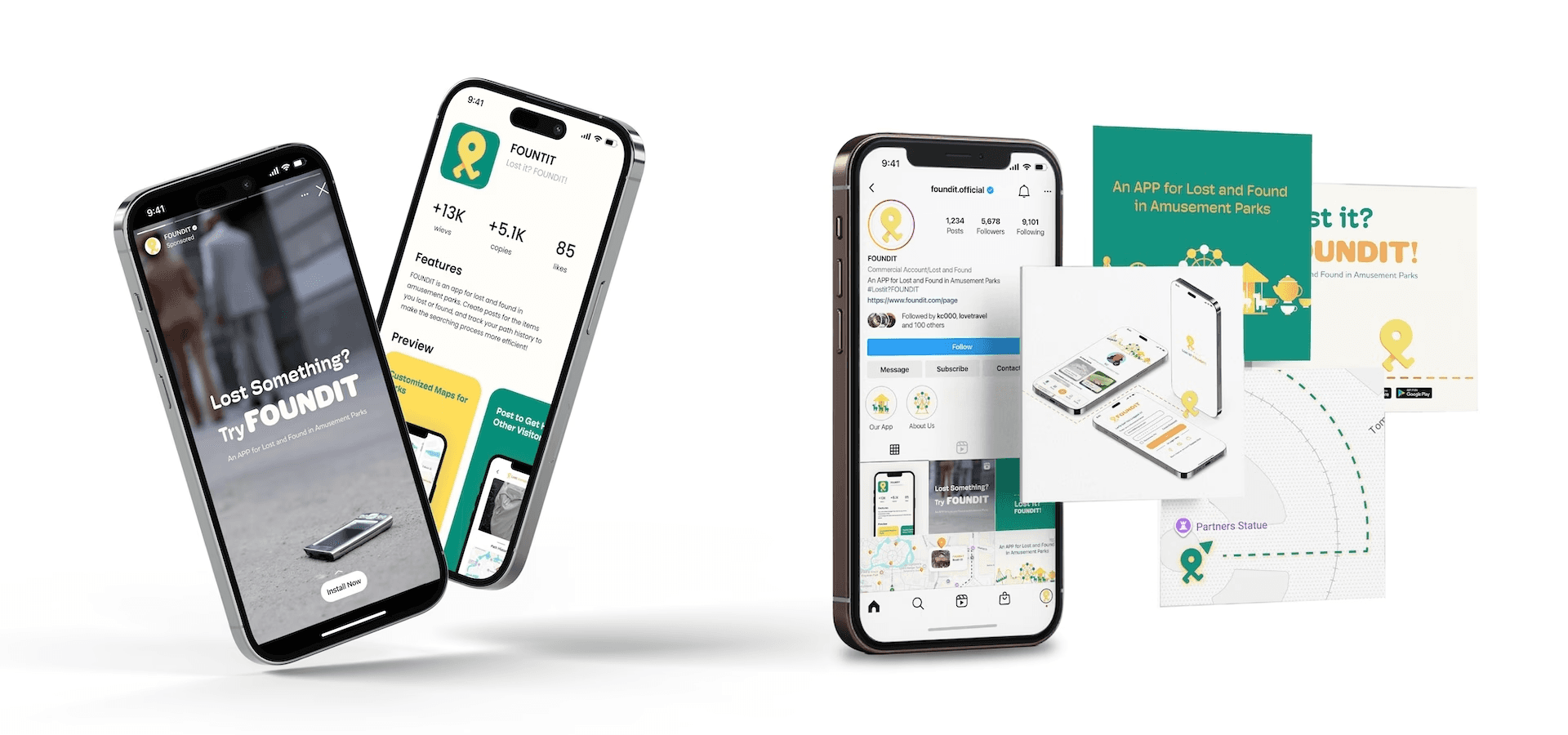
Losing personal items in an amusement park can be stressful and overwhelming. With the support of an online community, this experience can shift from isolated frustration to collective problem-solving.

2025
UI/UX Design
Branding
App Design
Graphic Design
Adobe Creative Suite
Research
User Testing
Figma
FOUNDIT is built on the belief that losing something shouldn’t mean losing peace of mind. The app creates reassurance by turning moments of stress into opportunities for resolution.
It values simplicity, making it effortless for anyone to report, search, and reconnect with their belongings. It also thrives on community support, empowering people to help one another and proving that collective effort can make a difference.

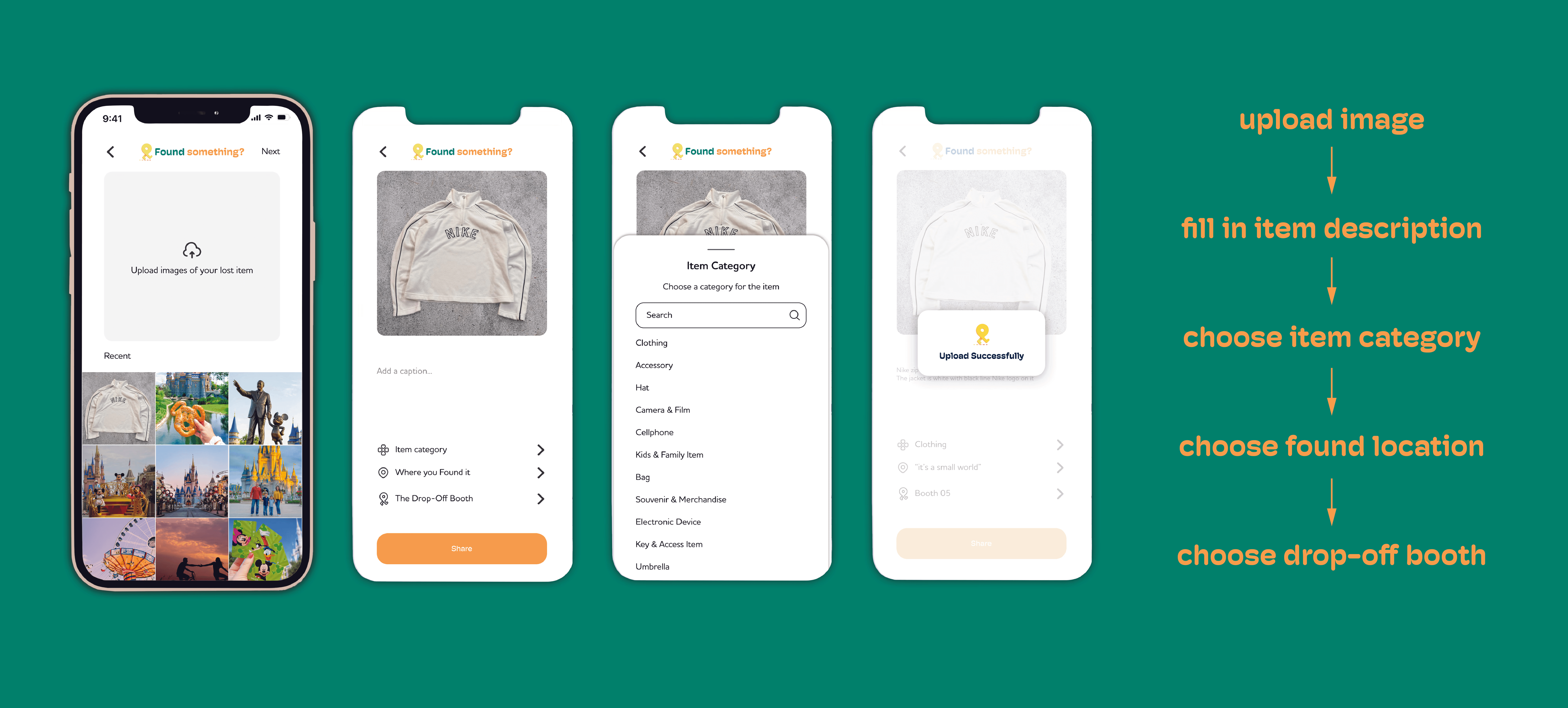
Initially, I thought that when creating a “found” post, users should select icons instead of uploading images to prevent false or stolen claims.
However, in practice, this approach felt limiting. The predefined icons restricted how accurately items could be described, and expanding the categories risked overwhelming users.
Through this process, it became clear that allowing users to directly view images of found items would make identification easier and improve the overall user experience.


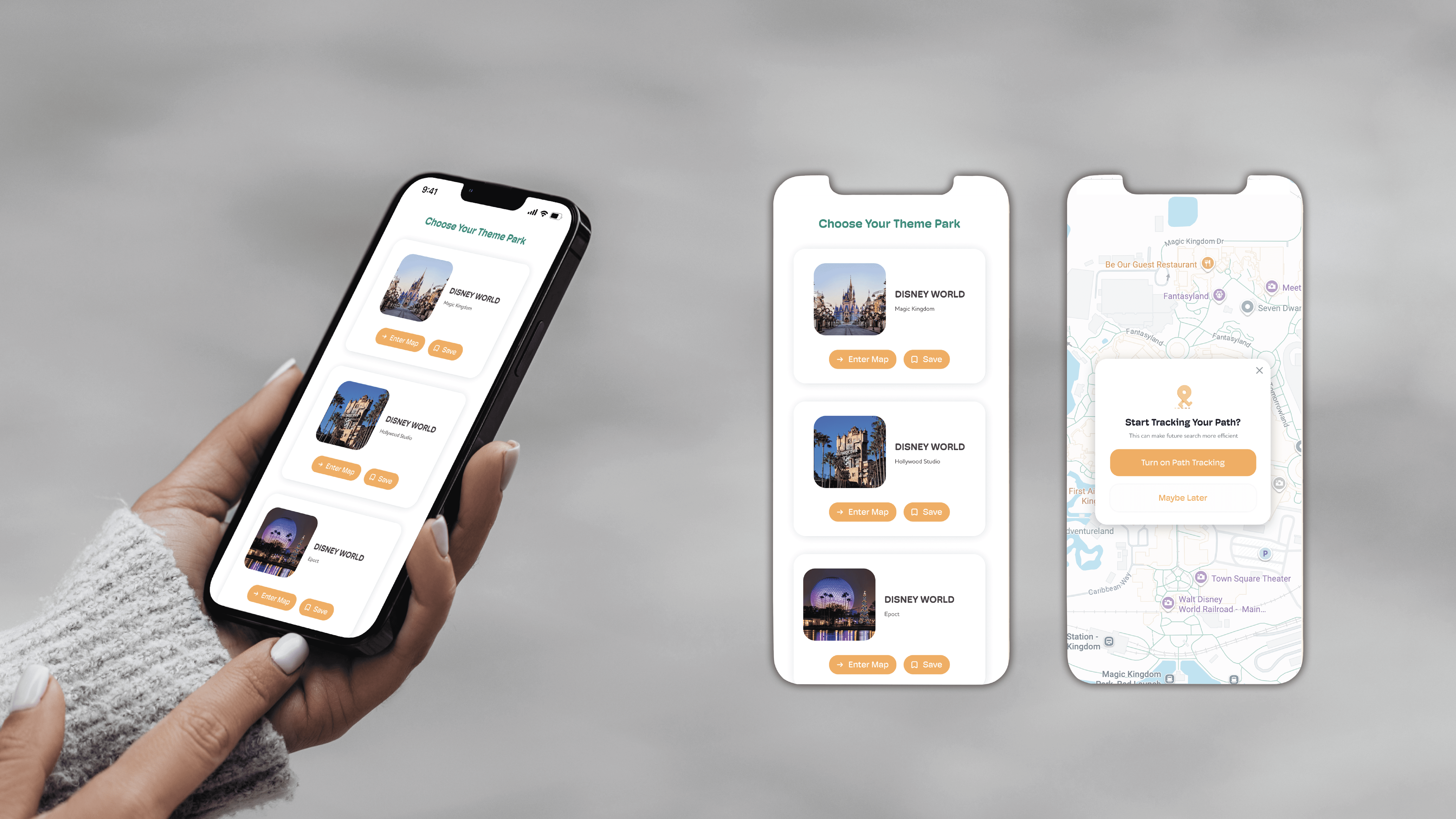
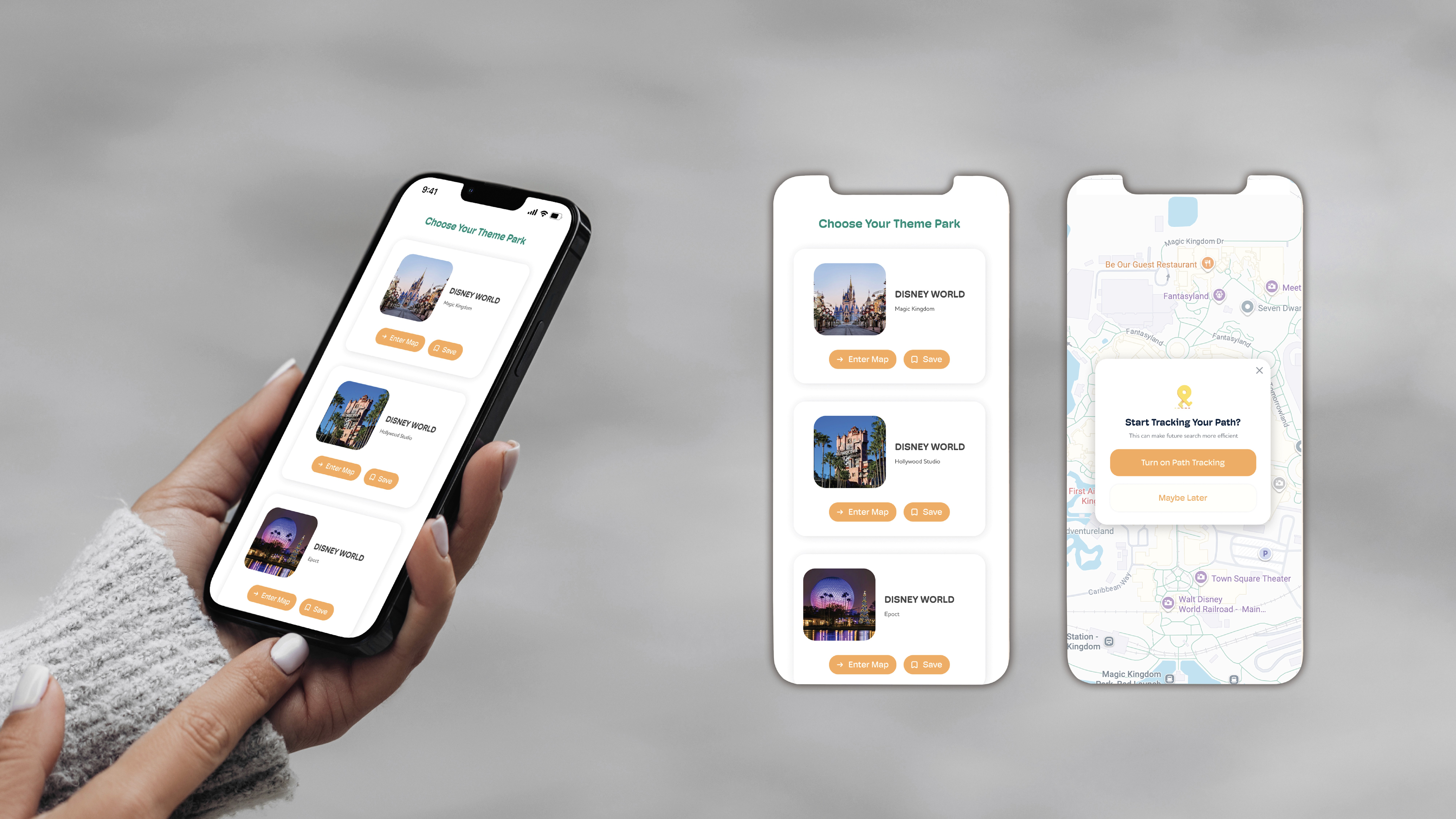
When logging into the app, users first select the amusement park they are currently visiting. Once selected, they are taken to the home page.
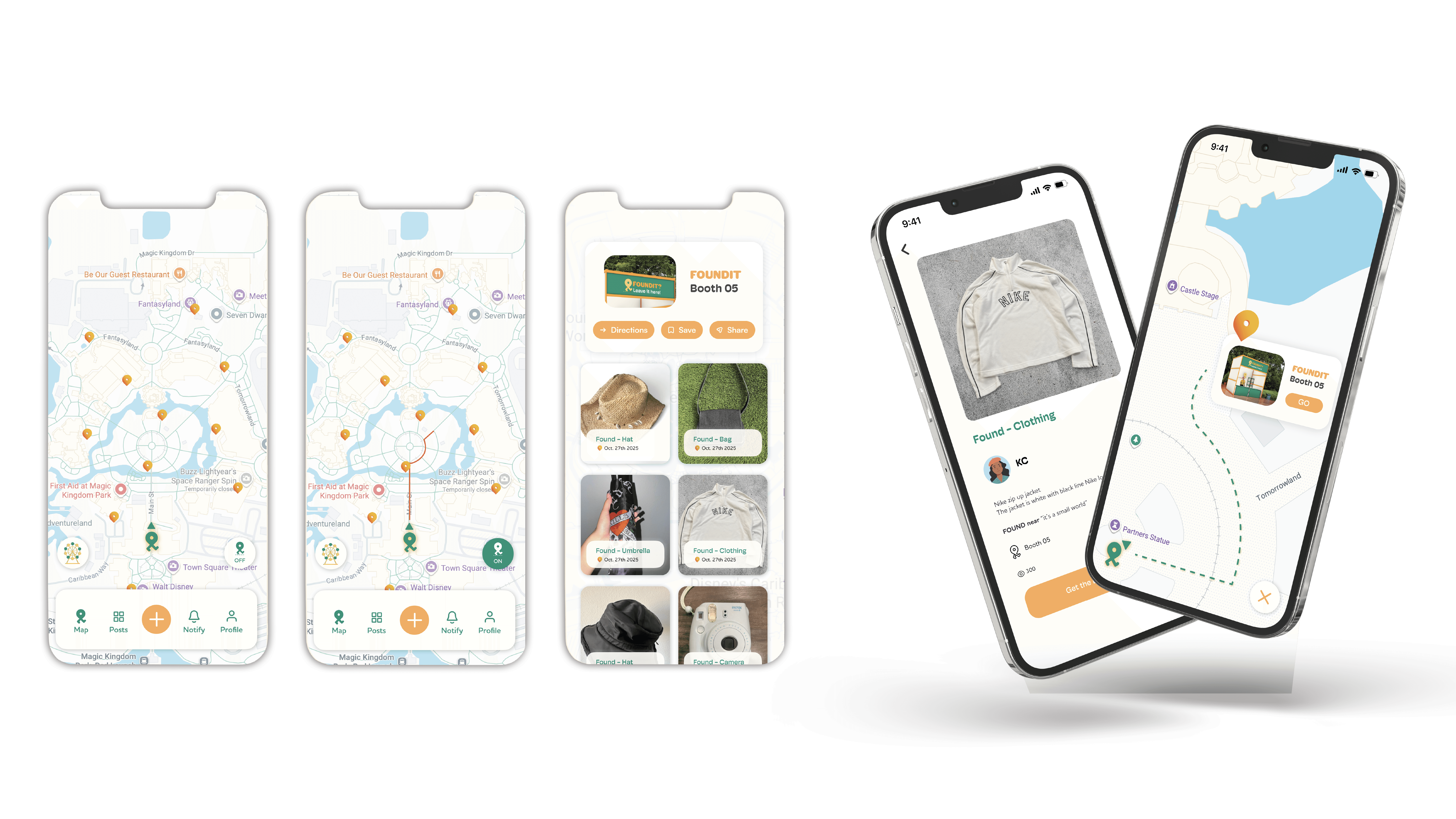
The home page features a map integrated with Google Maps. On this map, users can view the locations of FOUNDIT booths throughout the park, as well as see which found items are currently stored at each booth.


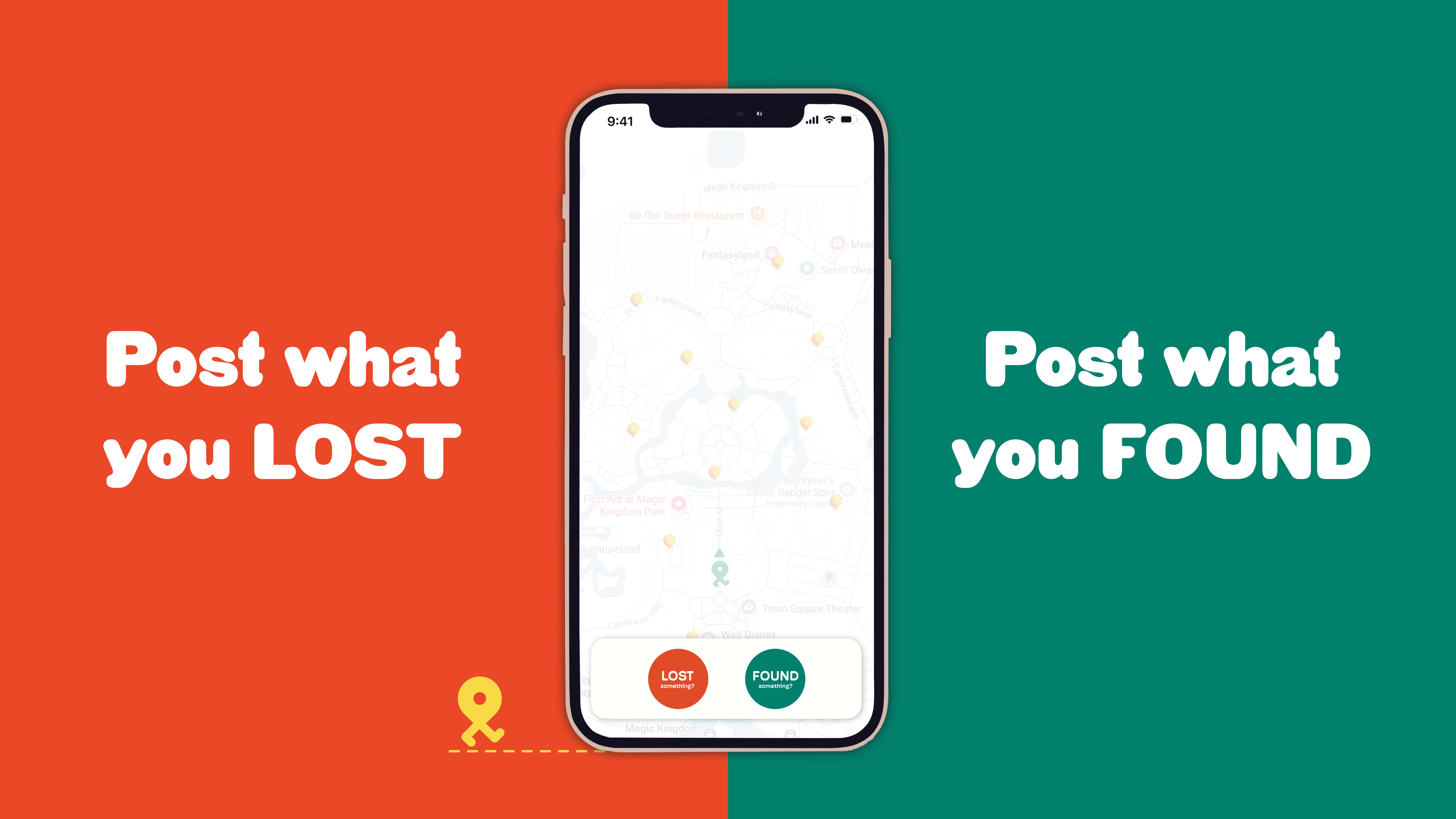
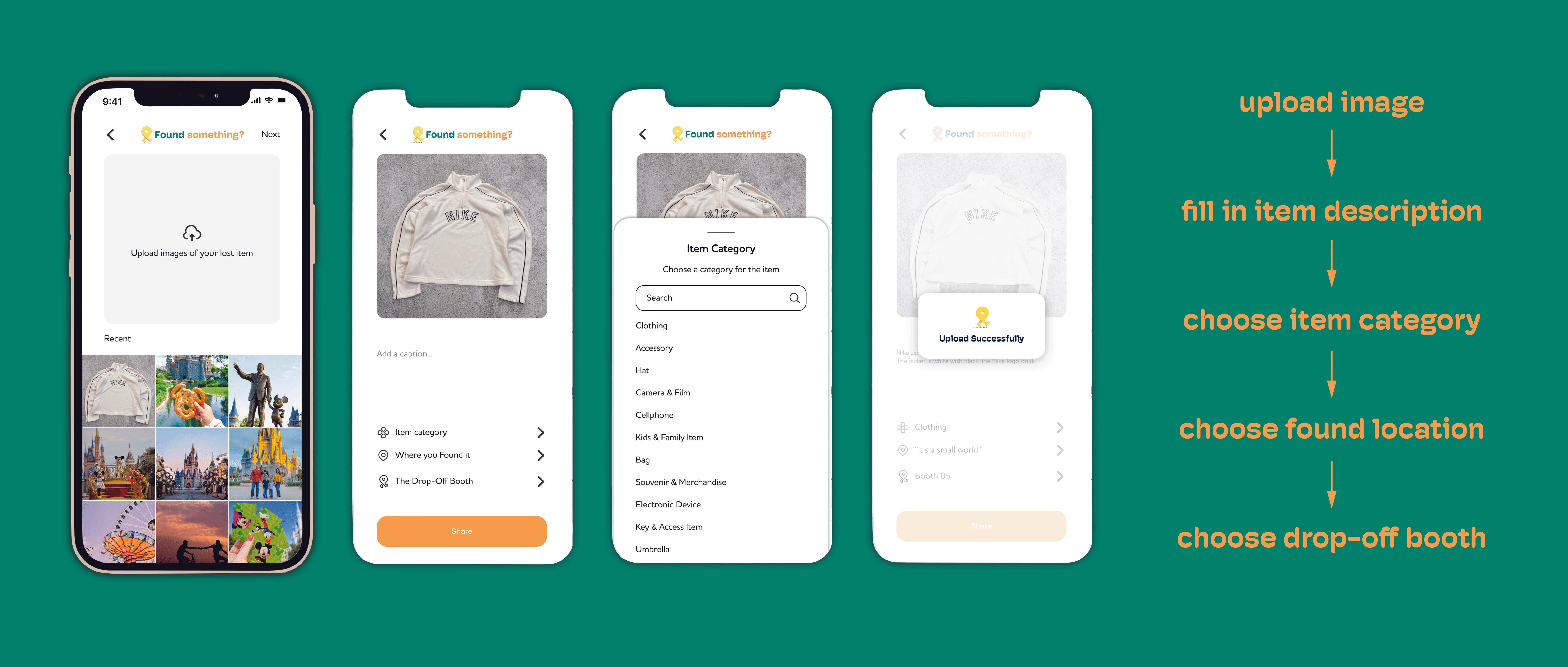
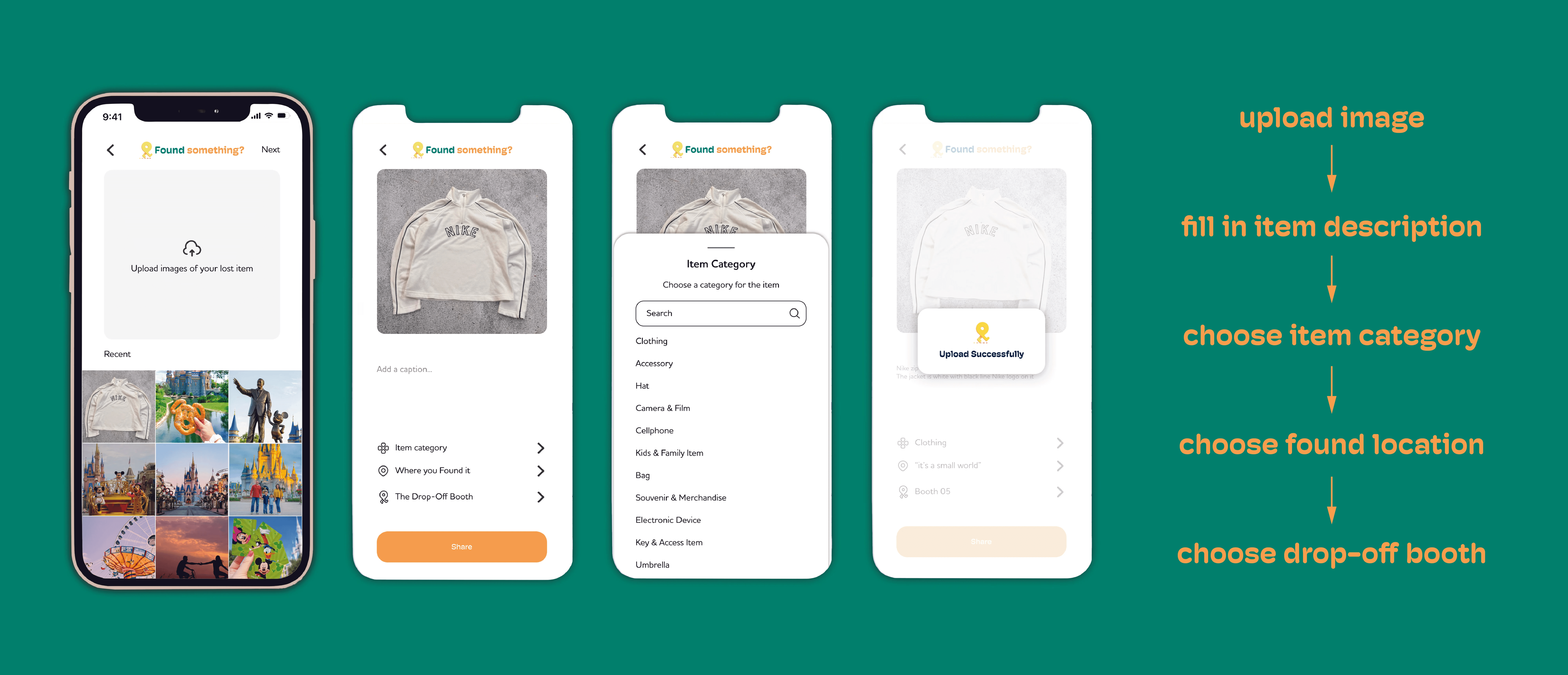
To create a lost or found post, tap the “+” button on the home page. The app will prompt you to choose whether you are reporting a lost item or a found one.


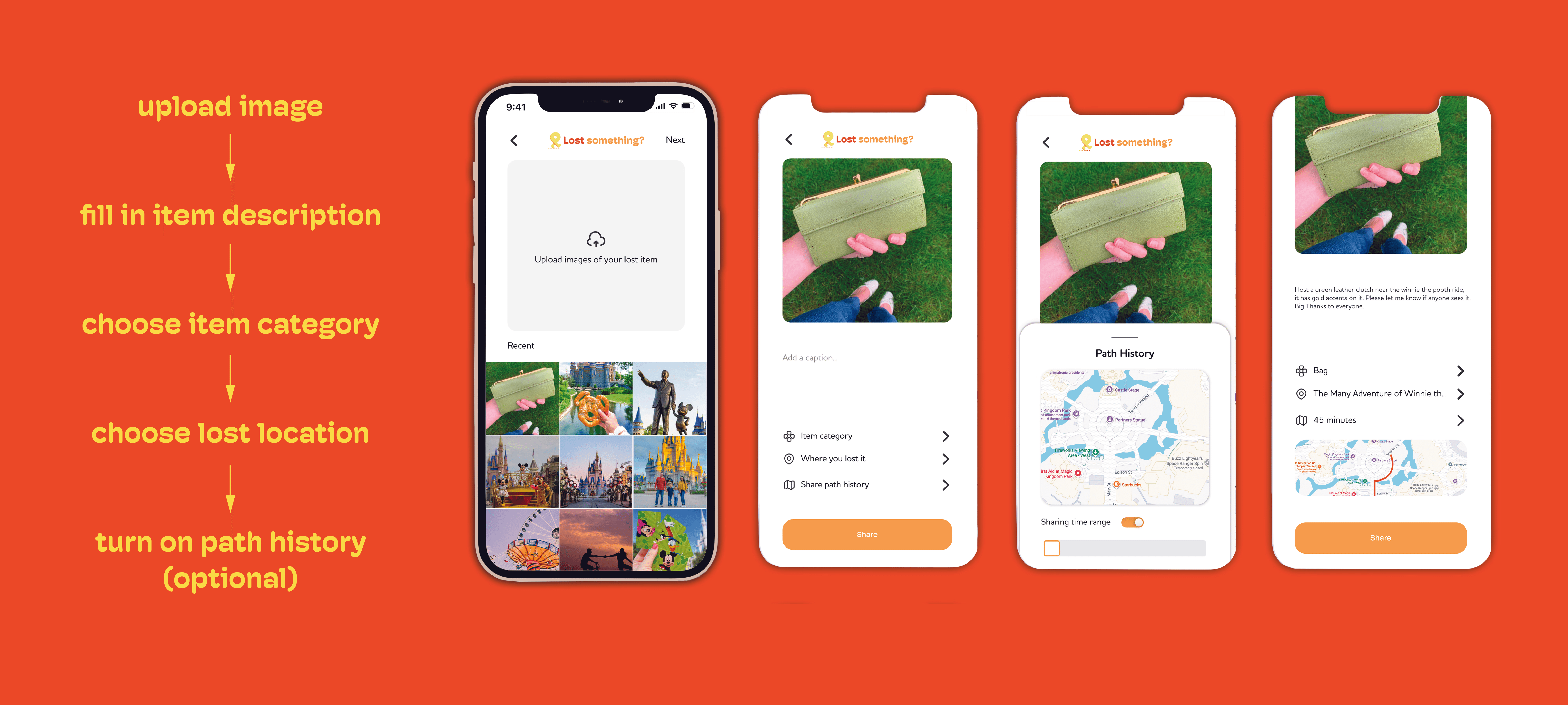
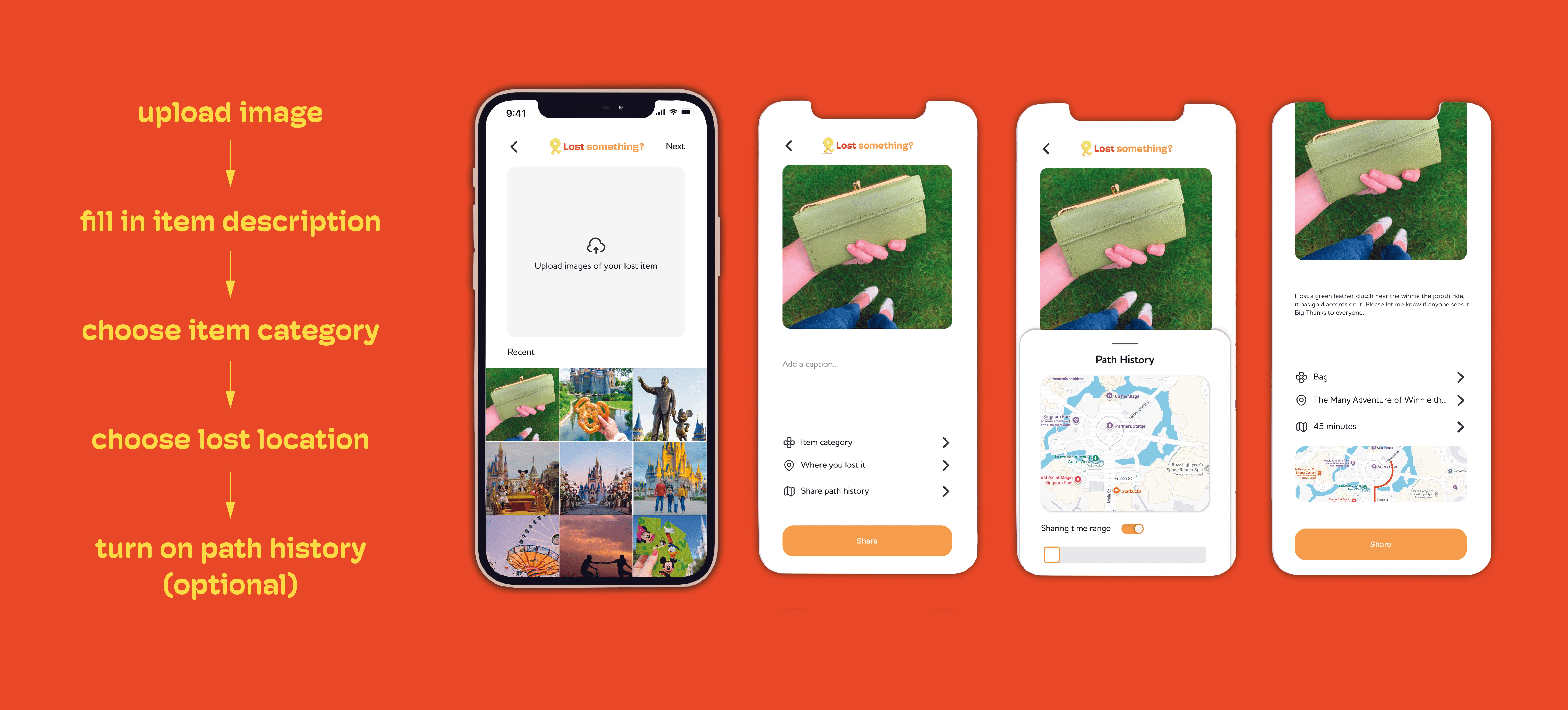
After selecting the post type, follow the step-by-step instructions to enter details about the item. When creating a lost post, users have the option to enable the "Path History" feature.
If Path History is turned on, the app notifies nearby users whose walking routes overlap with the missing item’s last known path. These users can then help look out for the item along their route, turning everyday movement into a collective search effort.
After selecting the post type, follow the step-by-step instructions to enter details about the item. When creating a lost post, users have the option to enable the "Path History" feature.
If Path History is turned on, the app notifies nearby users whose walking routes overlap with the missing item’s last known path. These users can then help look out for the item along their route, turning everyday movement into a collective search effort.


Initially, I thought that when creating a “found” post, users should select icons instead of uploading images to prevent false or stolen claims.
However, in practice, this approach felt limiting. The predefined icons restricted how accurately items could be described, and expanding the categories risked overwhelming users.
Through this process, it became clear that allowing users to directly view images of found items would make identification easier and improve the overall user experience.


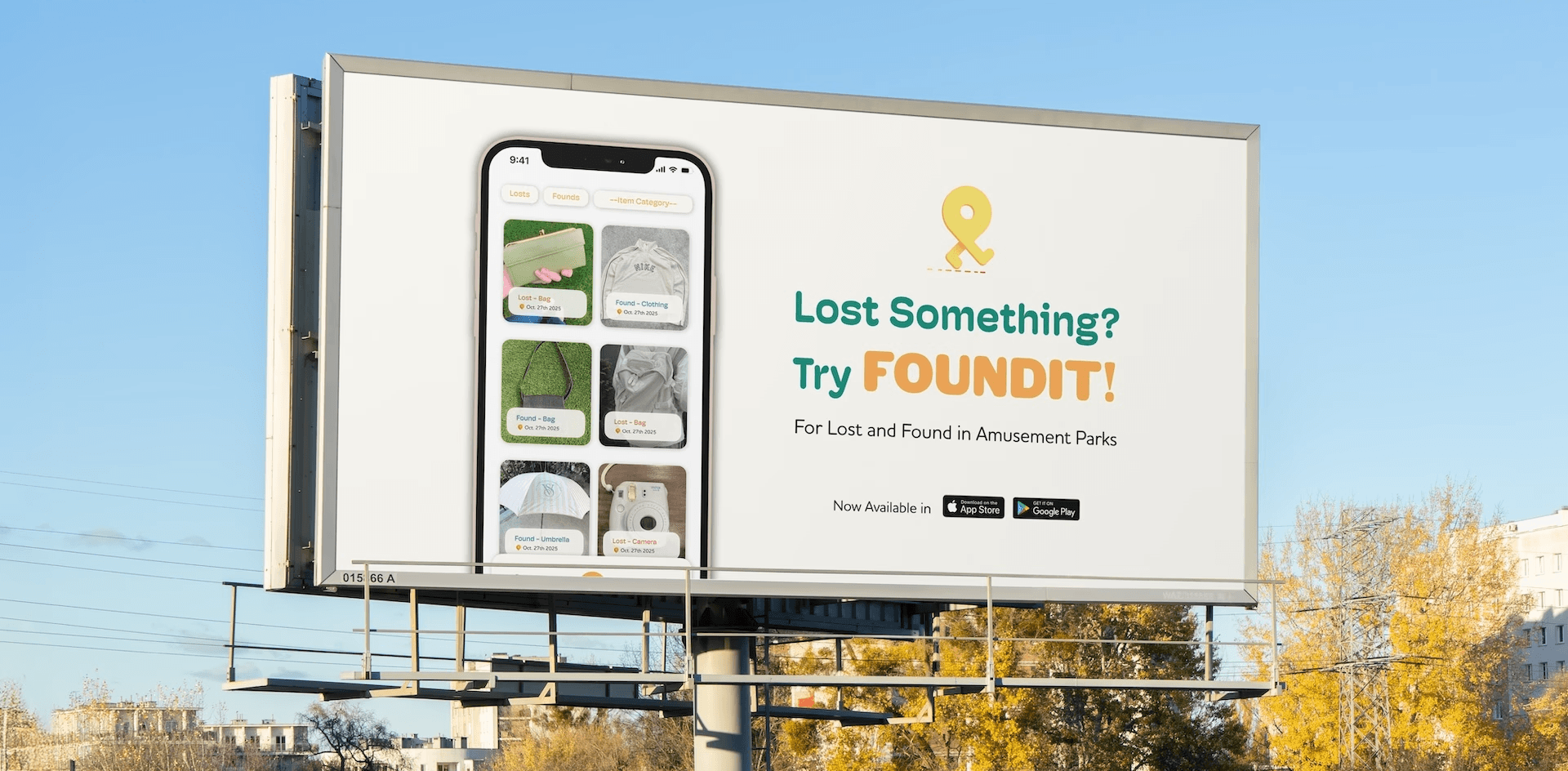
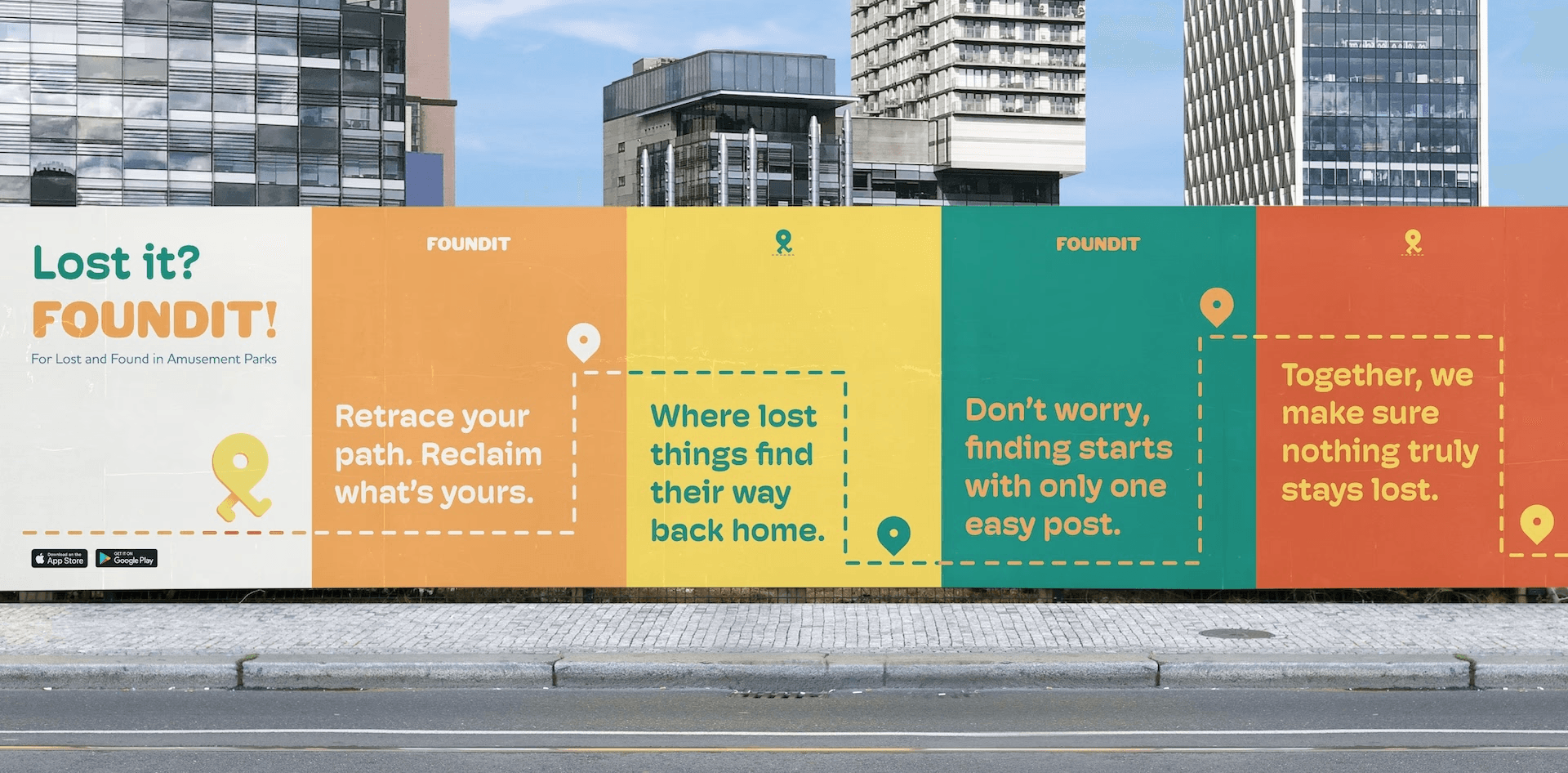
Pick up and drop off locations in amusement parks.
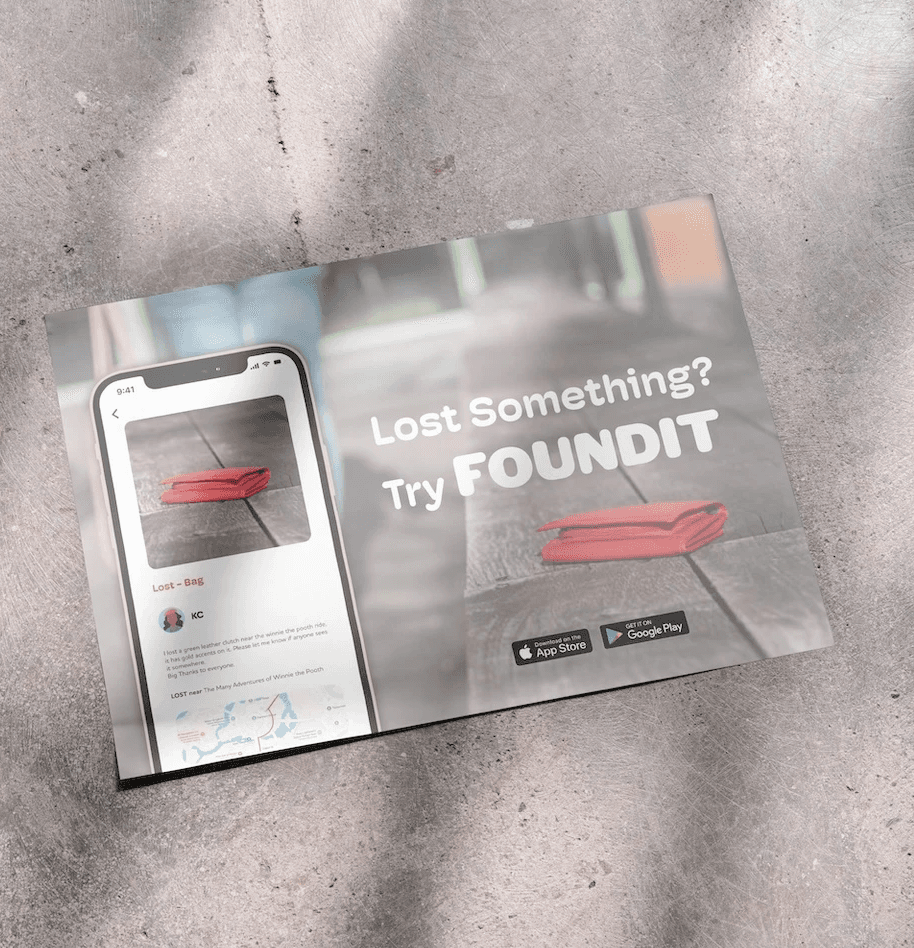

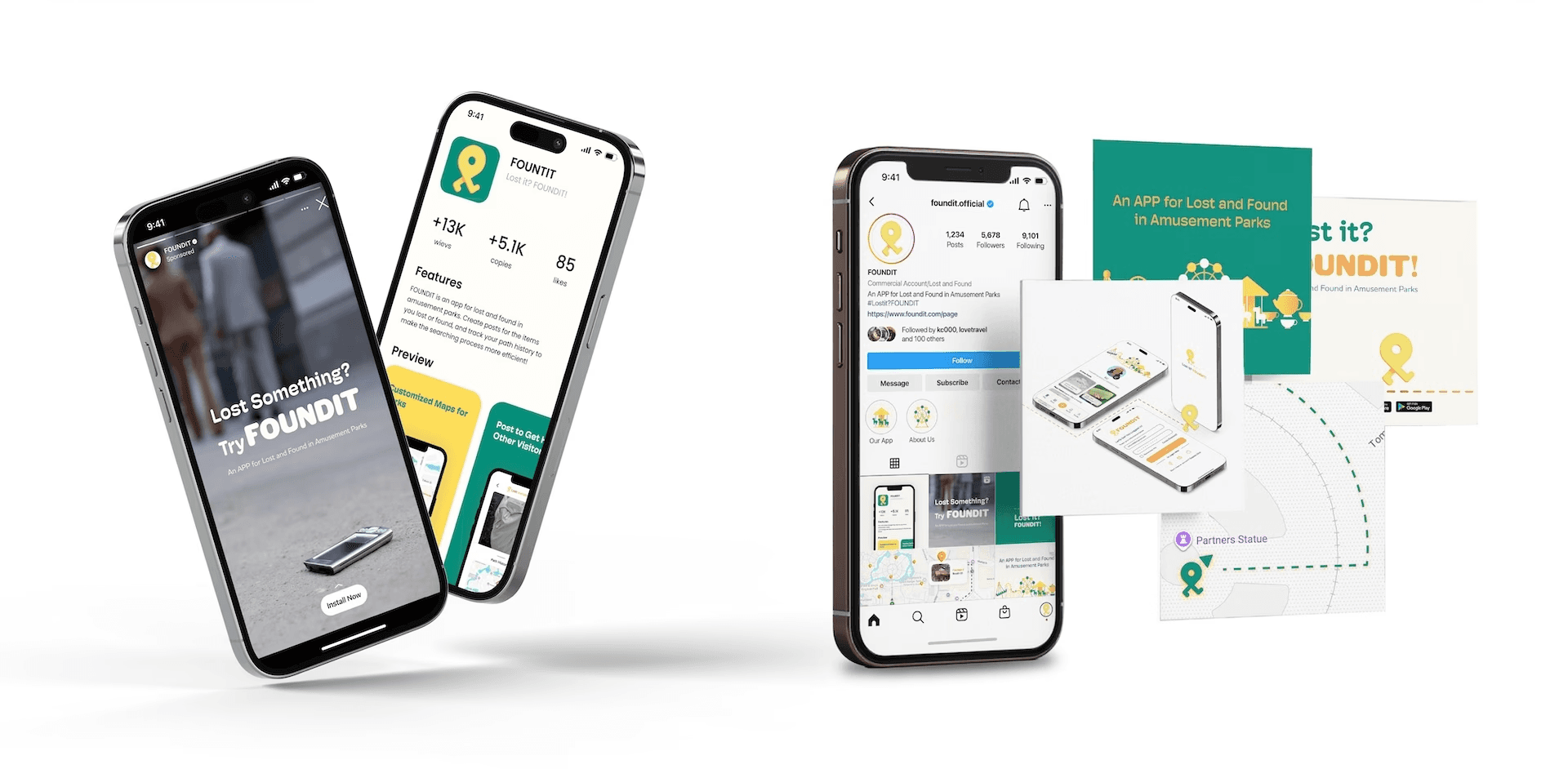
See the advertisements when you're looking down.
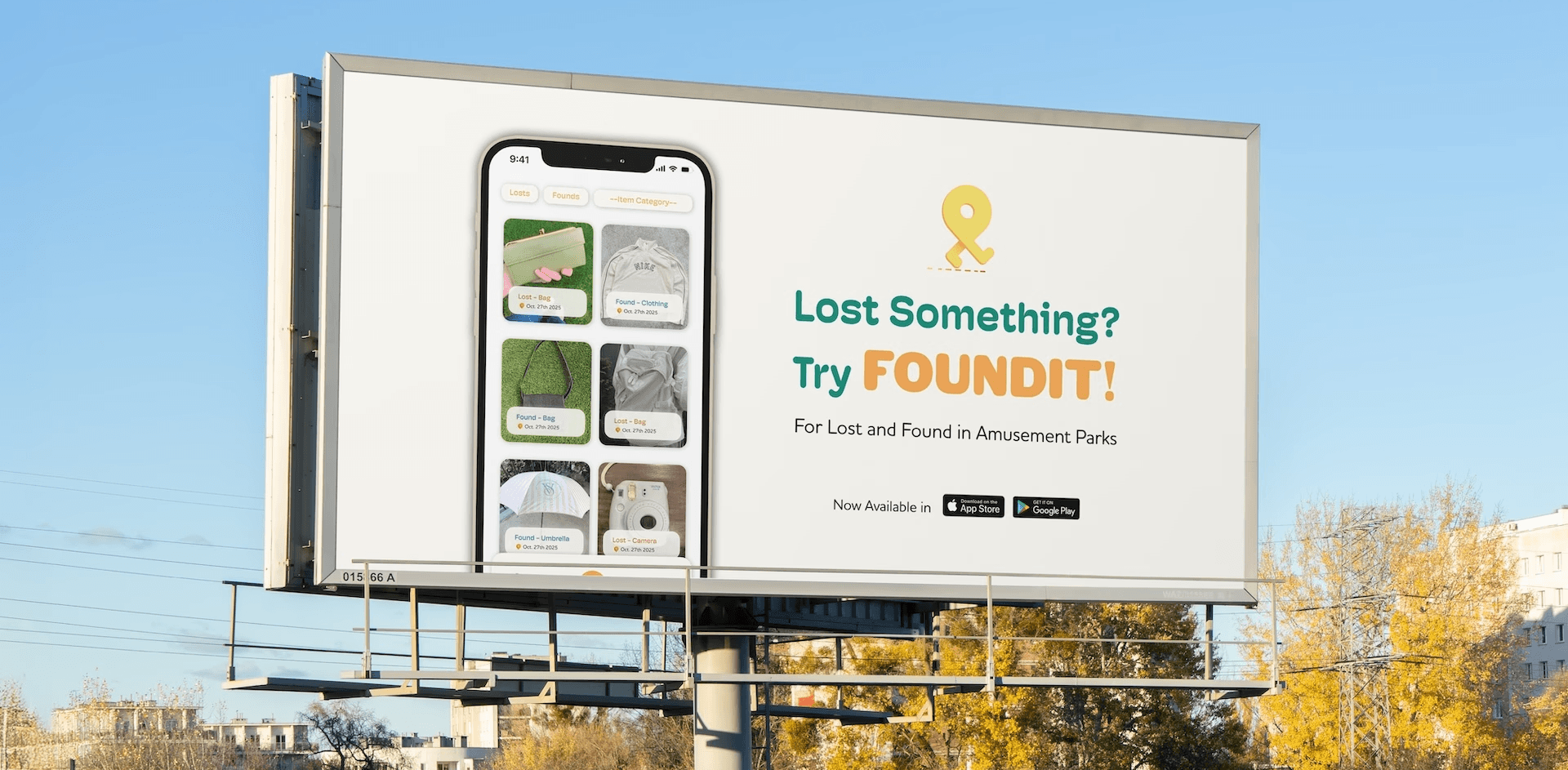
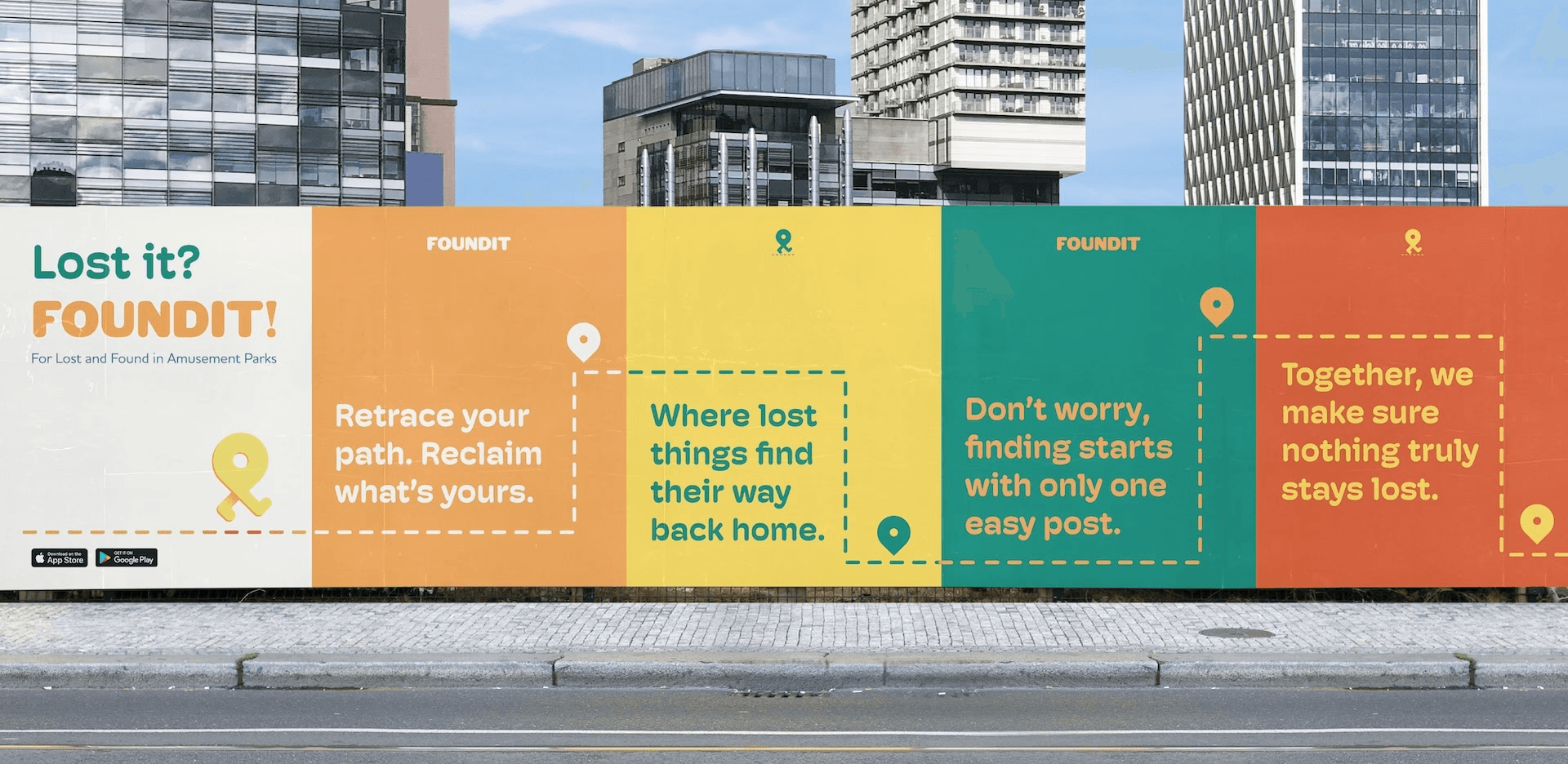
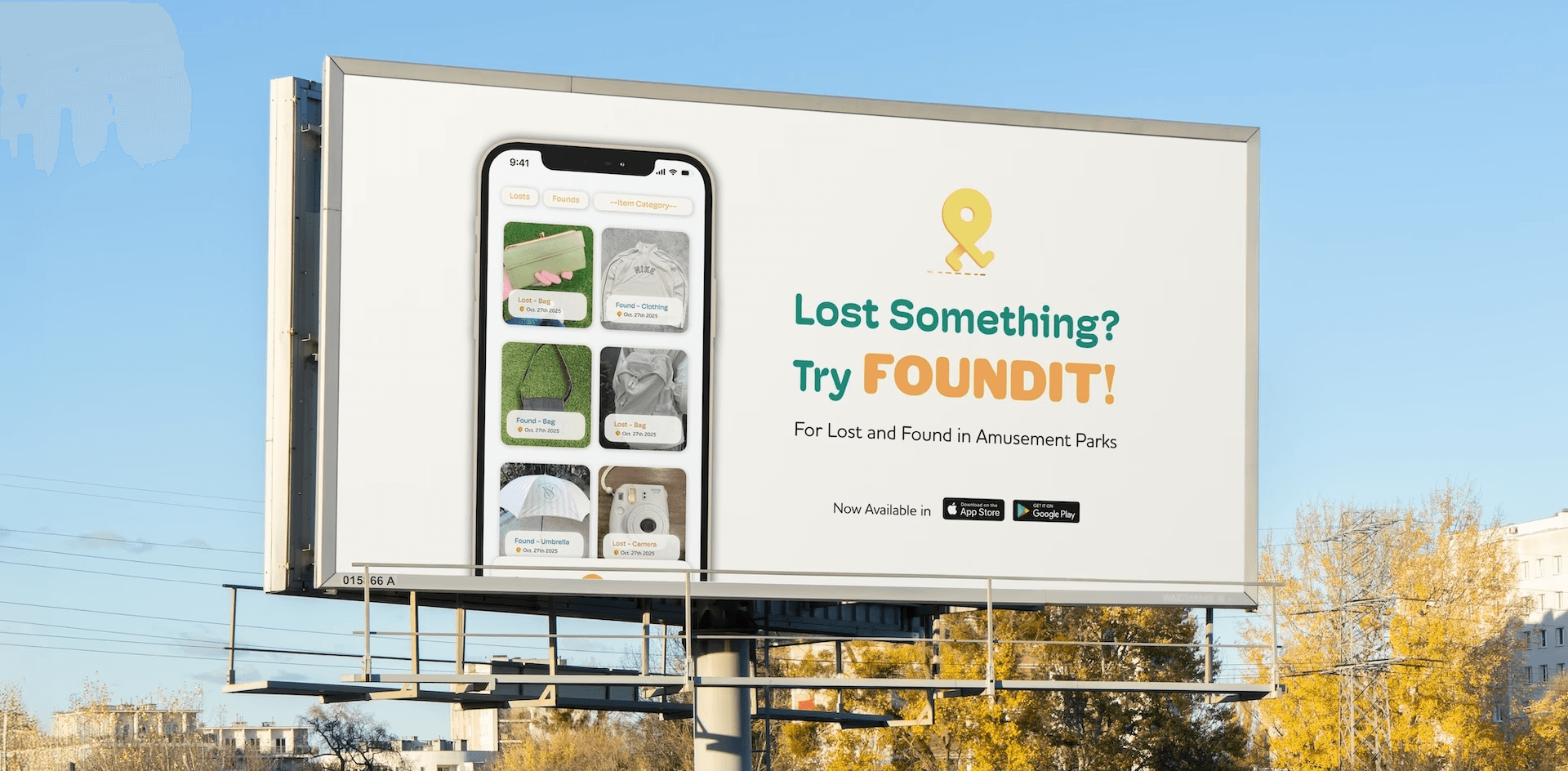
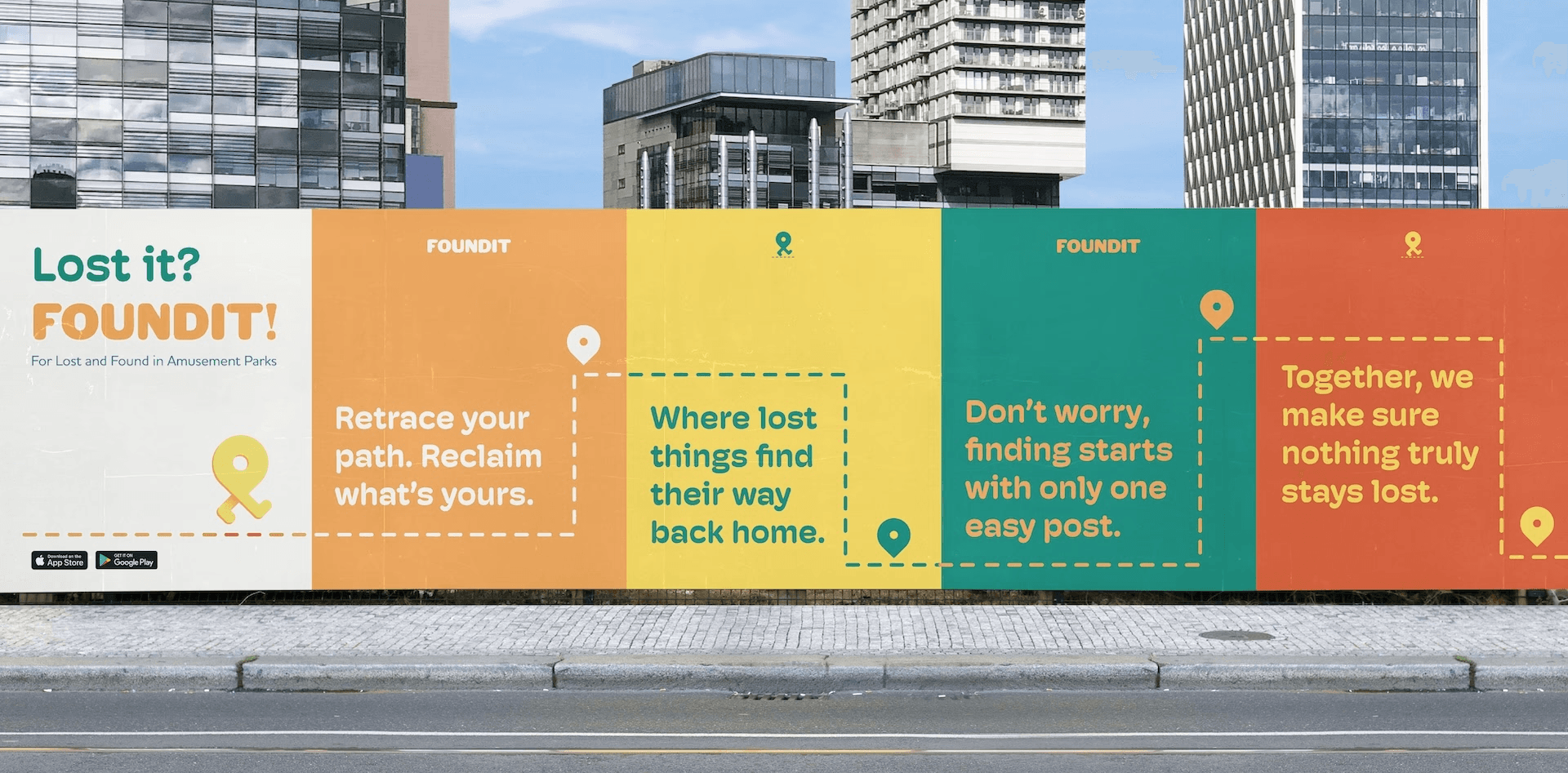
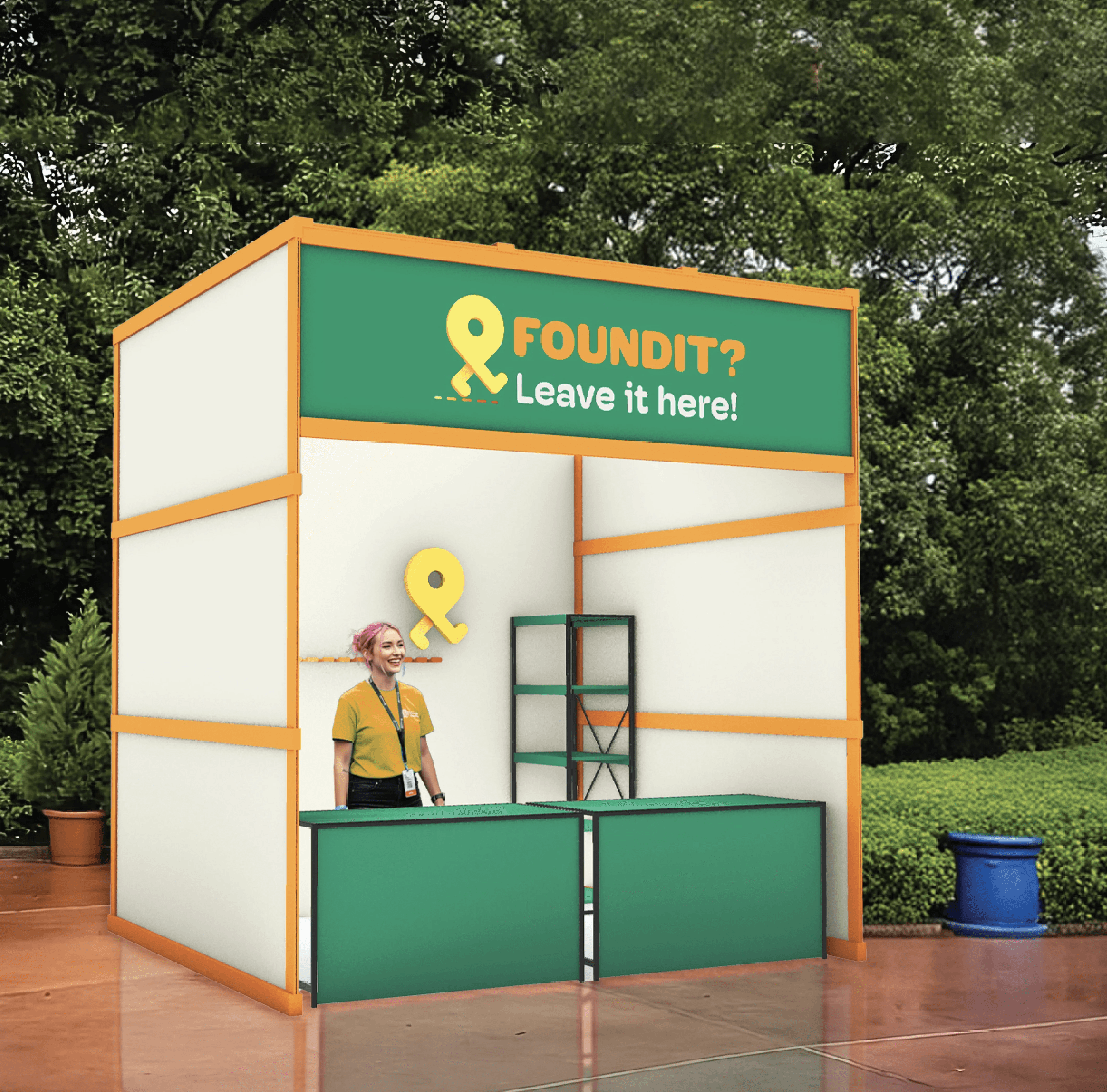


Pick up and drop off locations in amusement parks.
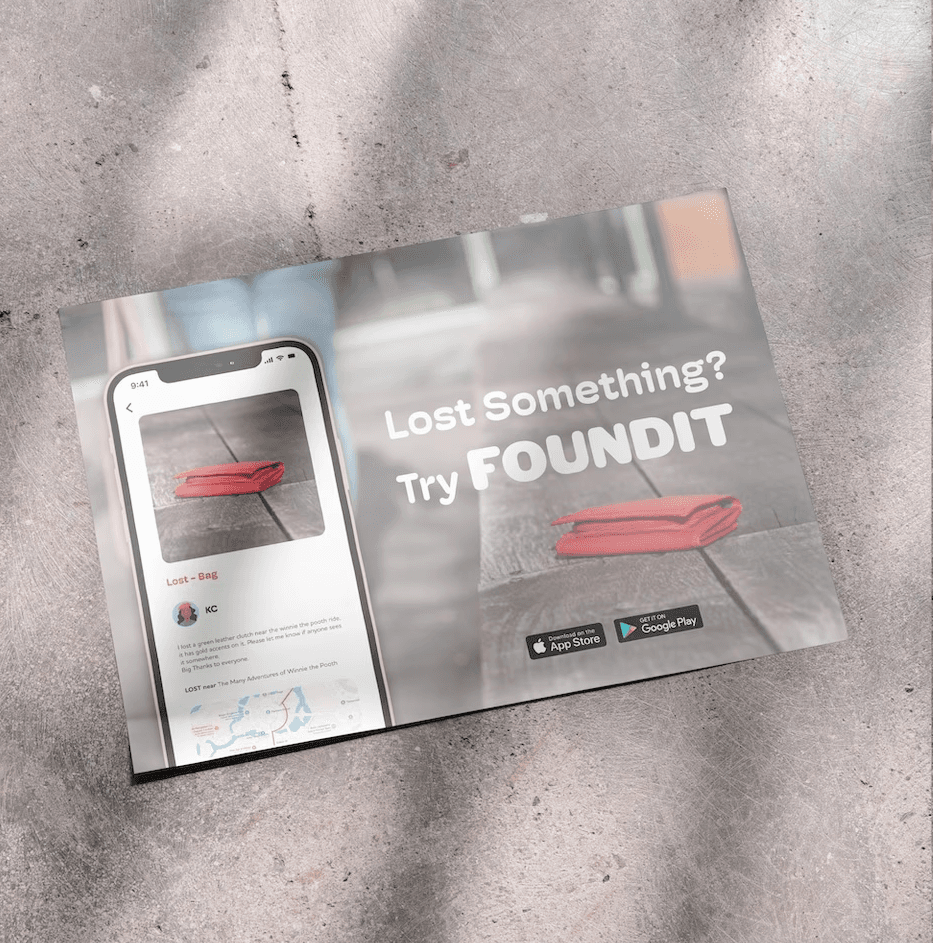

See the advertisements when you're looking down.


Initially, I thought that when creating a “found” post, users should select icons instead of uploading images to prevent false or stolen claims.
However, in practice, this approach felt limiting. The predefined icons restricted how accurately items could be described, and expanding the categories risked overwhelming users.
Through this process, it became clear that allowing users to directly view images of found items would make identification easier and improve the overall user experience.


When logging into the app, users first select the amusement park they are currently visiting. Once selected, they are taken to the home page.
The home page features a map integrated with Google Maps. On this map, users can view the locations of FOUNDIT booths throughout the park, as well as see which found items are currently stored at each booth.
To create a lost or found post, tap the “+” button on the home page. The app will prompt you to choose whether you are reporting a lost item or a found one.
After selecting the post type, follow the step-by-step instructions to enter details about the item. When creating a lost post, users have the option to enable the "Path History" feature.
If Path History is turned on, the app notifies nearby users whose walking routes overlap with the missing item’s last known path. These users can then help look out for the item along their route, turning everyday movement into a collective search effort.